
Watch the video on how to connect to Reach via Bluetooth and read the guides below to get your Reach RS4 or Reach RS4 Pro field-ready
Sign up for our onboarding emails, and we’ll walk you through everything you need to know to set up your receiver and do the first survey as soon as receiver shipment begins.
SubscribeBluetooth connection to Reach receivers in Emlid Flow
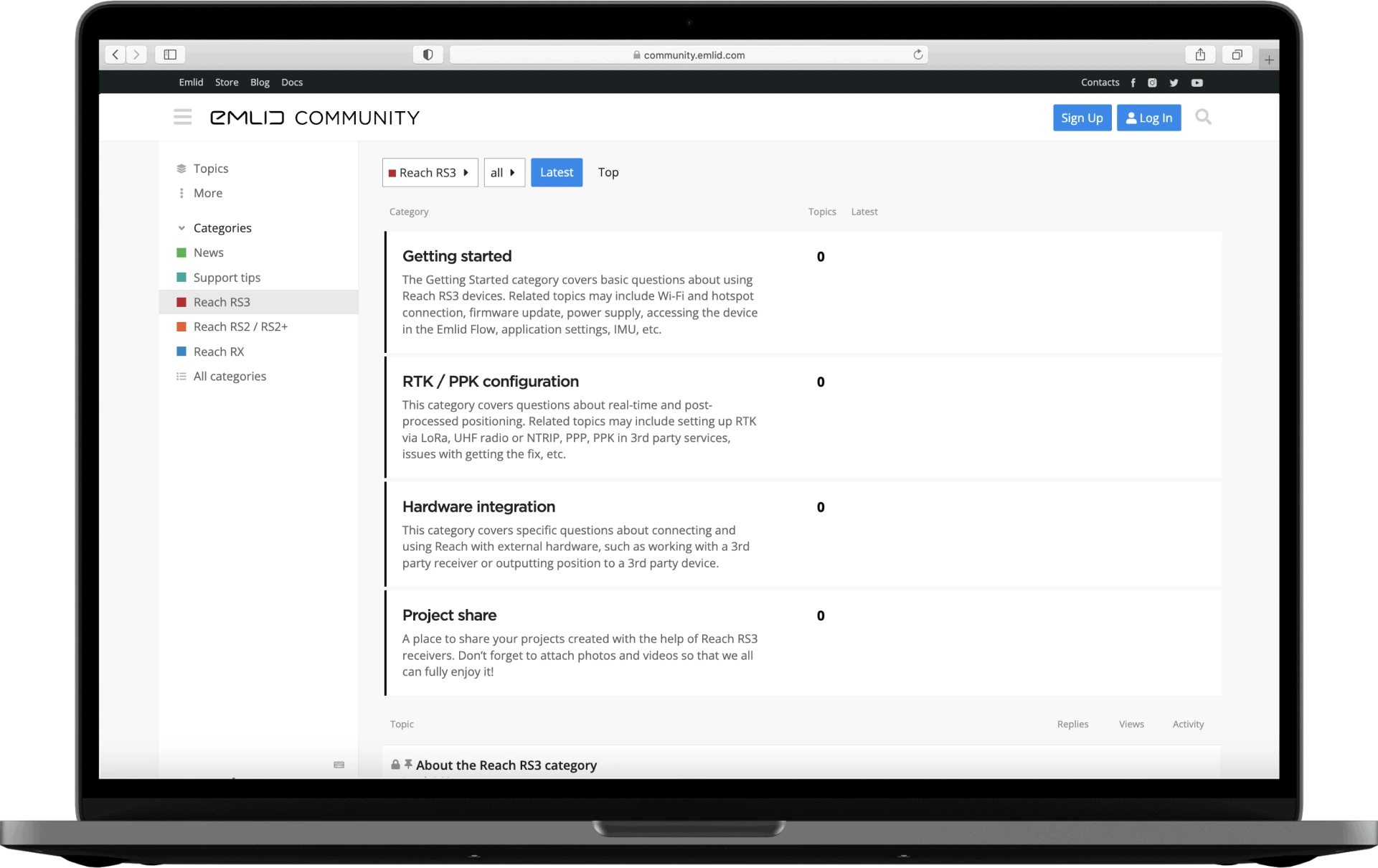
Check out our forum—there are Support tips and a lot of information from our users, so your question may already have a solution.
Fill in the contact form, and we will reply within a working day (9:00-18:00 CET).
Alternatively, you can text us here: