NTRIP Caster Land Survey Software | Emlid

EMLID NTRIP CASTER

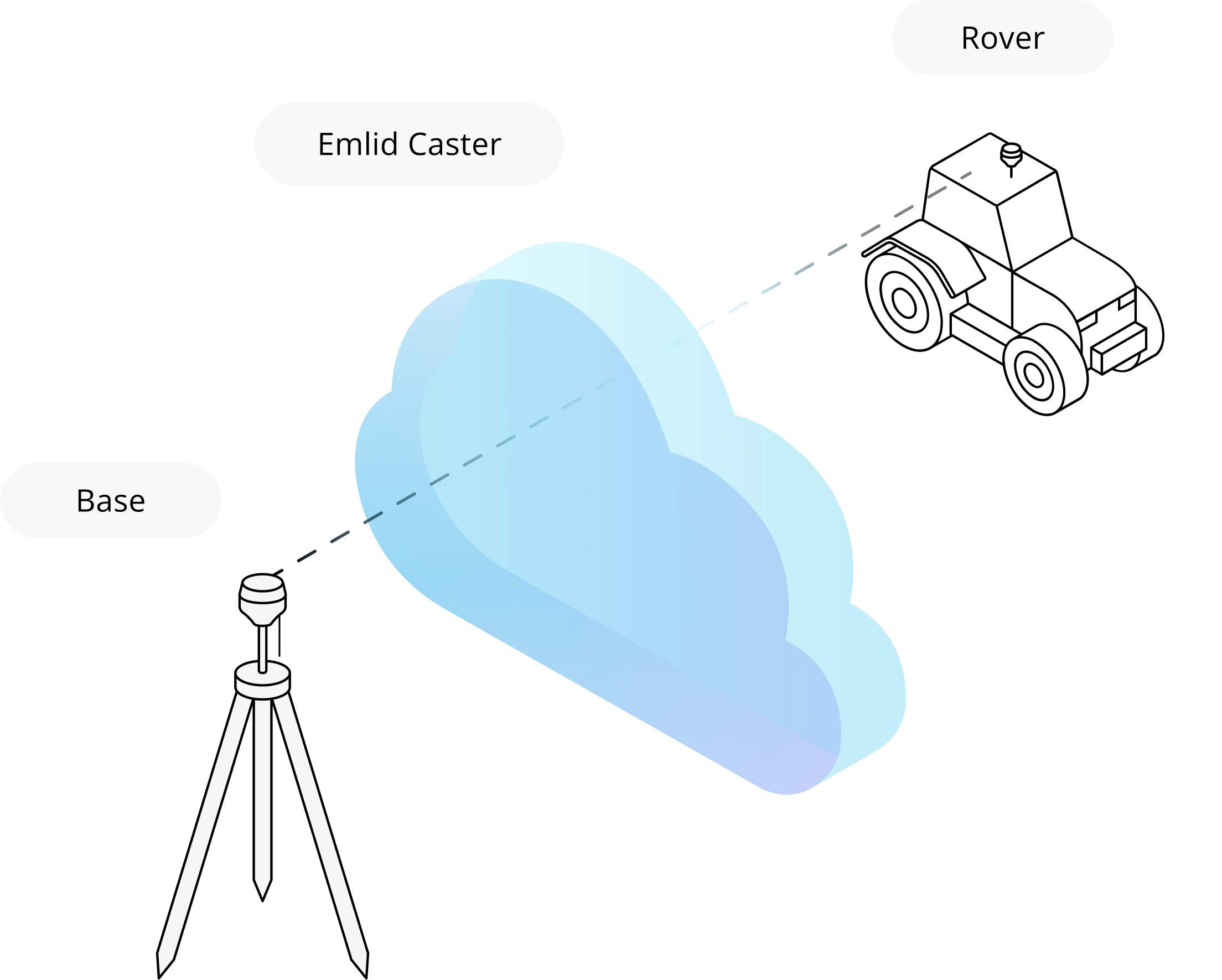
Stream RTK corrections
from your base to the rovers over the internet

Emlid Caster works with Reach and any other
receivers with NTRIP support. The service
is available for free and works worldwide.

Emlid NTRIP Caster
Emlid NTRIP Caster

Your setup

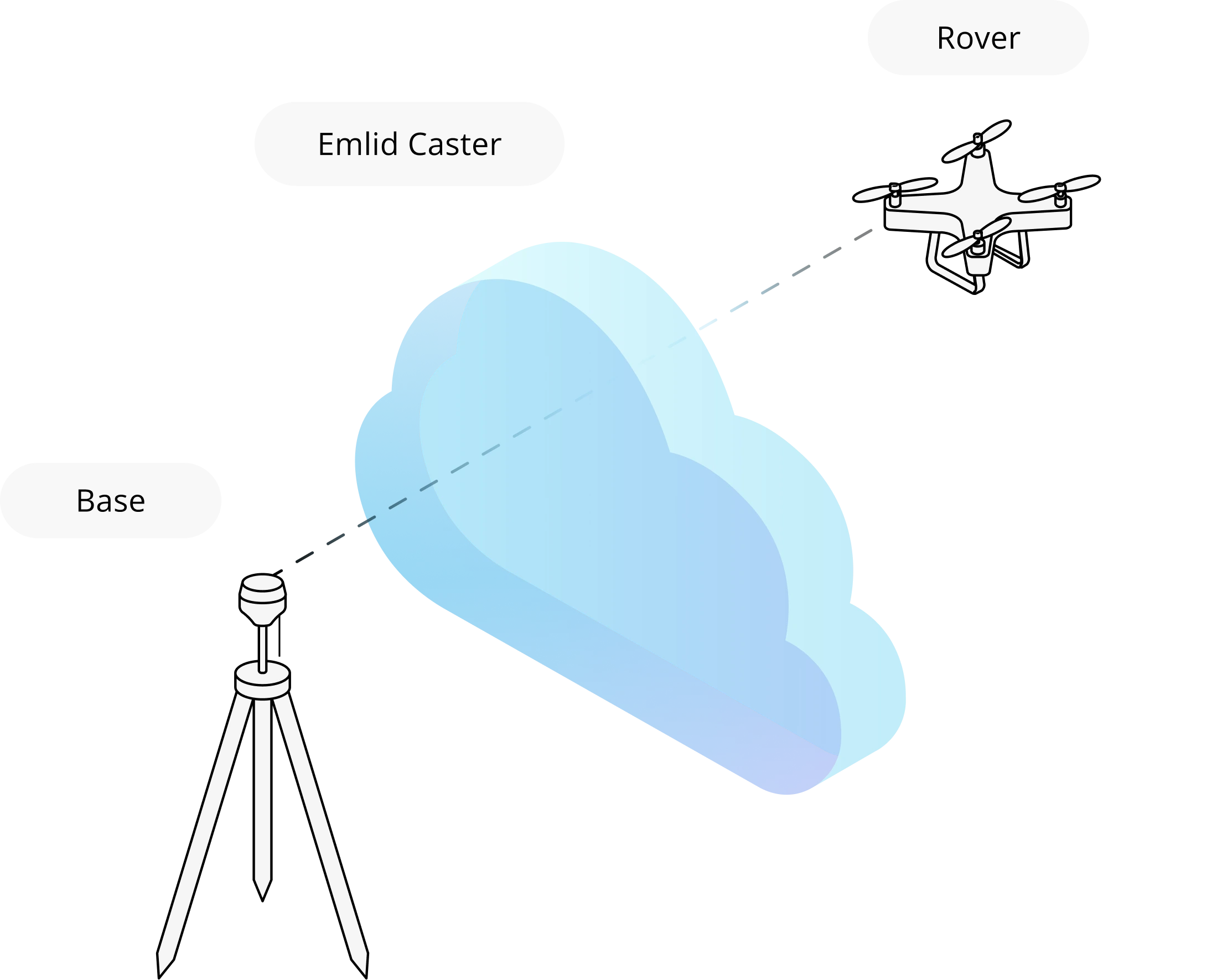
Emlid Caster allows you to set up your own NTRIP base for an RTK drone (DJI, Autel, etc.), tractor, or another GNSS receiver.

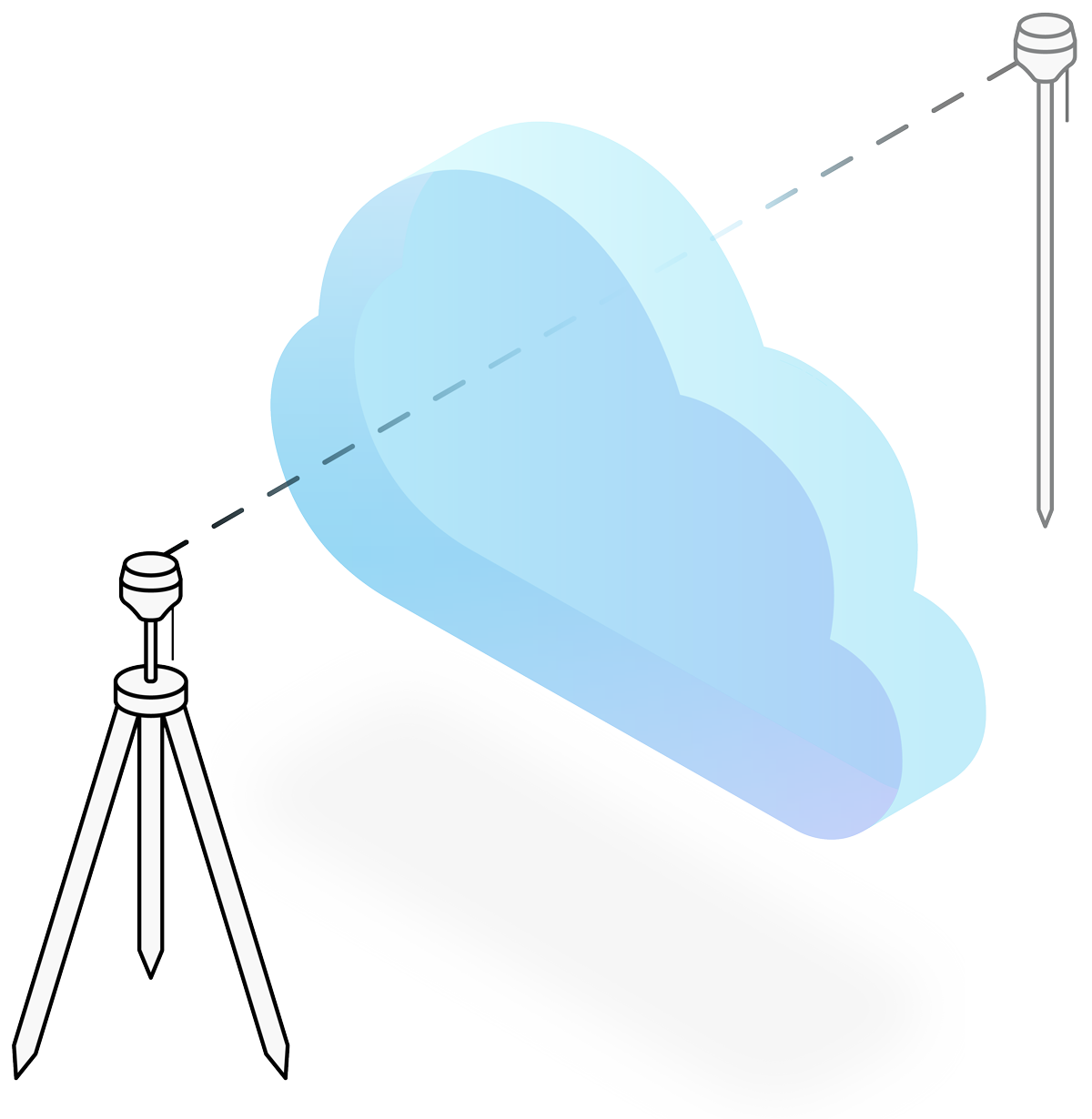
Our Caster is a web application. It means you only need a base, GPS rover, and connection to the internet. Just make sure both base and rover works with the same format.
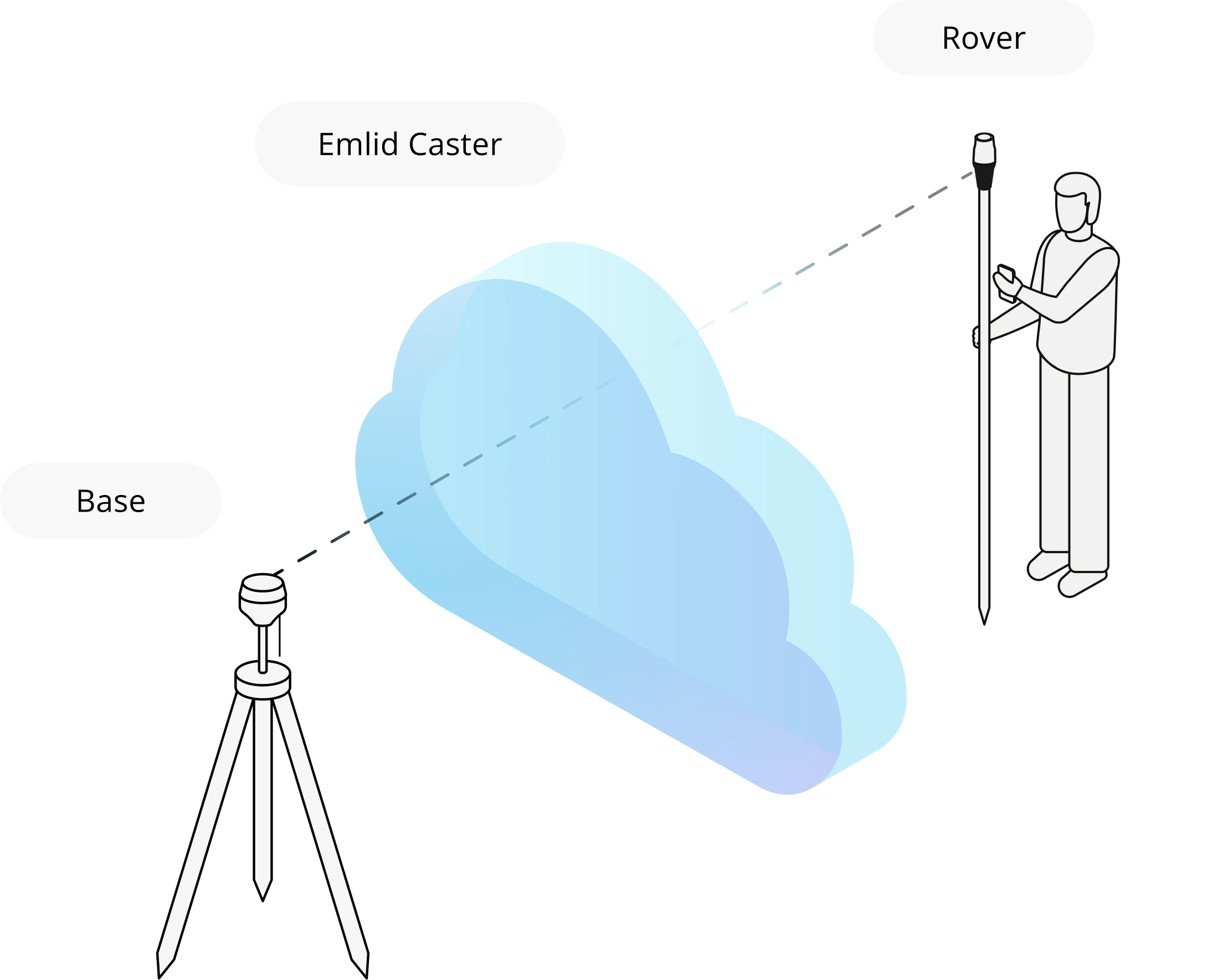
Formats RTCM3, CMR,
and others

How Emlid Caster works

Just sign up and start using

The Emlid Caster is extremely easy to use. Just sign up and your NTRIP credentials will be generated automatically. You can start using the caster immediately. Connectivity is limited to 5 bases and up to 10 RTK rovers at the same time.
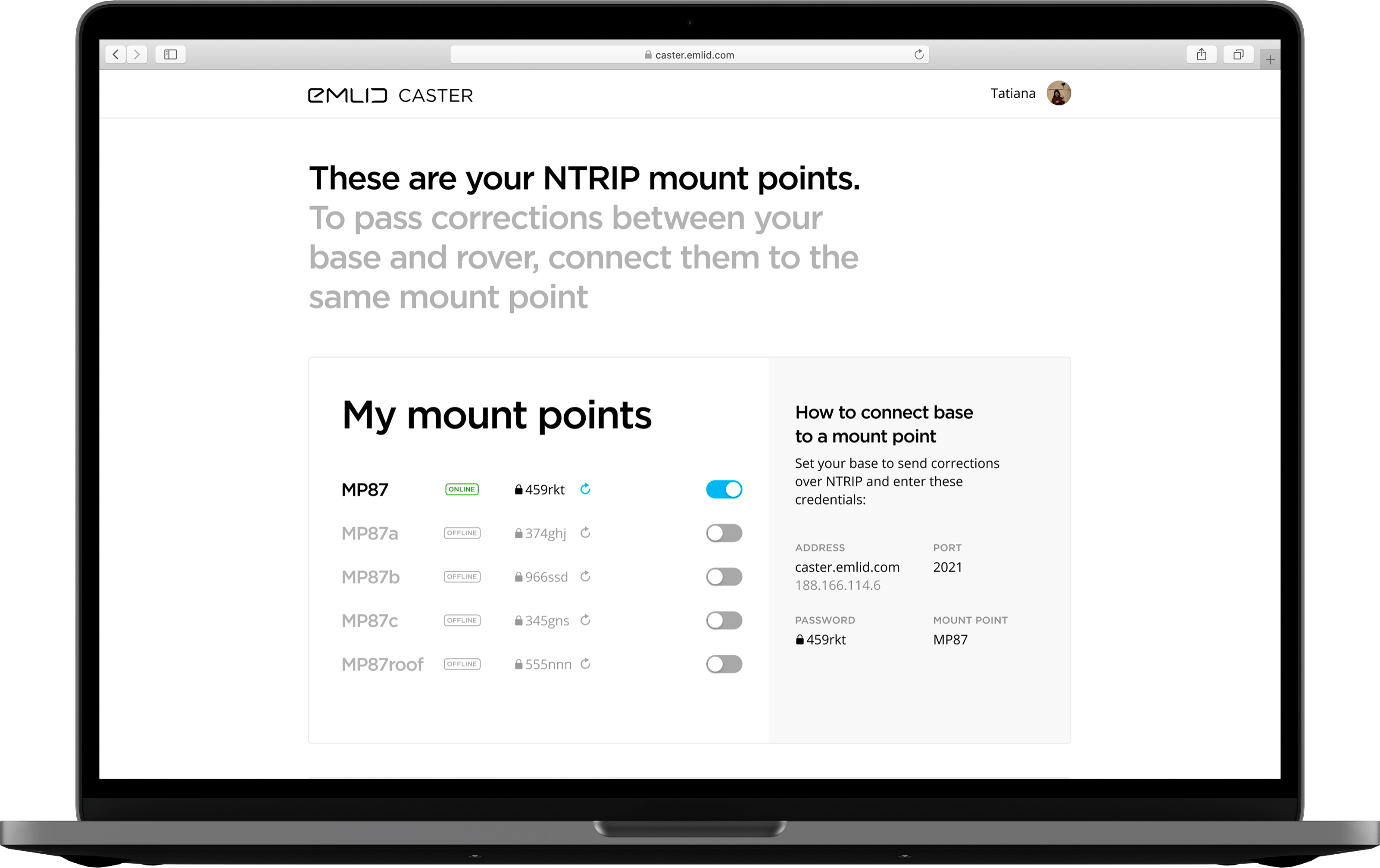
Just sign up and start using the Emlid Caster

User reviews

  • Emlid Caster makes using NTRIP convenient and easy to set up. Corrections were sent from the Reach M2 to Emlid Caster, which had 100% uptime! There is no easier way to own a base station.

    Tynell Dake
  • Nice stuff! Looking forward to using it, preferably with a DJI M300 using the RS2 as a base. Super nice functionality and awesome interface! Well done!

    Christian Grüner
  • The excellent free app, you will no longer depend on paying for a CORS network service. Activate whenever and wherever you want. Cool!!!

    Geolaboratorio Topografia Geodesia
  • Works like a charm.

    Dave Pitman

Set corrections
on your receivers
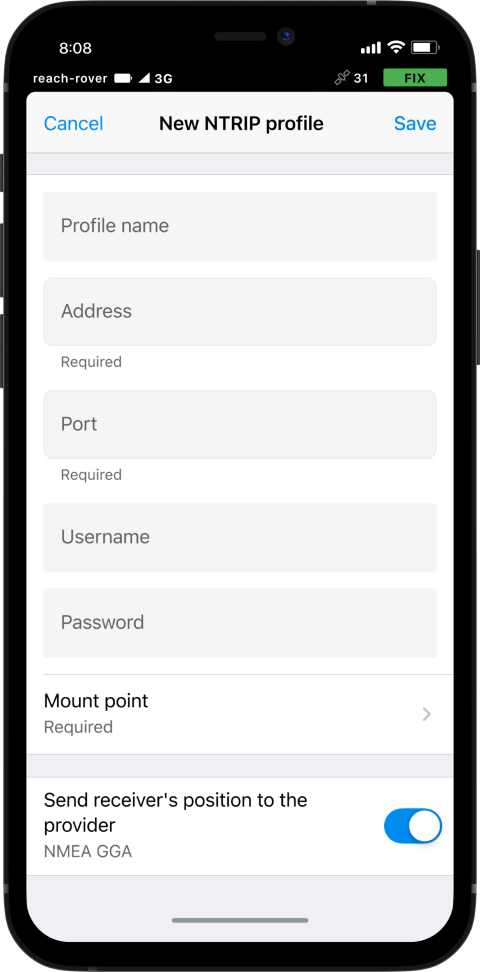
Enter NTRIP credentials on 
your base station and rover

Workflow for Reach receivers is described on the right. If you have another device, email us at support@emlid.com. Our application engineers will tell you how to work with the credentials.
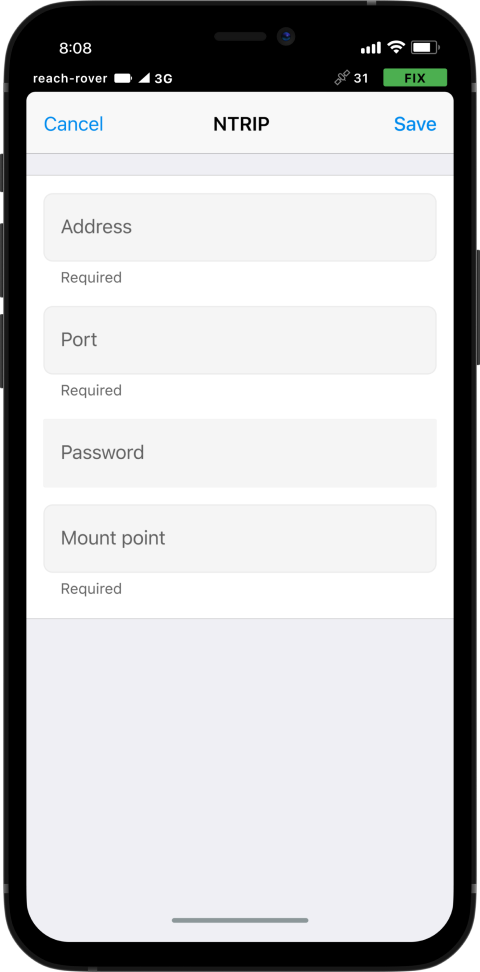
On a base

  • Go to Reach settings.
  • Go to Correction output.
  • Select NTRIP.
  • Fill in the credentials of
    your mount point.

On a rover

  • Go to Reach settings.
  • Go to Correction input.
  • Select NTRIP.
  • Fill in the credentials for
    your rover.

To work with NTRIP, you need to connect your receivers to the internet

BLE connection

Connect your Reach to Emlid Flow via Bluetooth. It will then automatically use the internet connection from your mobile device.

SIM card

If your Reach model supports SIM cards, insert one and enable mobile data in Emlid Flow.

Wi-Fi

Turn on mobile data on your smartphone and share it via a Wi-Fi hotspot. The Reach will then connect to your network and get internet access.

For more information about specific Reach models, please check our docs.

Have a question?
Ask our team

Fill in the contact form, and we will reply within a working day (9:00-18:00 CET).

Pre-sale support:
Toll Free: 888-454-1916

Direct Dial: +1 817 865 3334 (ex. 101)

Alternatively, you can text us here: